Every retained viewer is the result of a thousand small decisions at the scene level. Learn the science of scene composition, duration, sequencing, and type selection that keeps attention locked frame by frame.
The Building Block
In short-form video, a scene is the smallest coherent unit of visual information — a continuous shot or a discrete sequence of cuts that delivers a single idea, emotion, or piece of information. Unlike long-form filmmaking where scenes can run for minutes, short-form scenes are measured in seconds.
The scene is the fundamental unit through which retention is either preserved or lost. Each scene must justify its existence with a clear purpose: to advance information delivery, maintain emotional engagement, or set up the next beat. Scenes without clear purpose are where viewers quietly scroll away without the creator ever realizing they lost them.
The discipline of scene breakdown asks you to evaluate every scene in your video against three criteria: Does it deliver value? Does it maintain or increase energy? Does it create curiosity for the next scene? If a scene fails any of these tests, it doesn't belong in a high-retention short-form video.
Core principle: The right scene duration is the shortest time needed to fully deliver that scene's single purpose. Any frame beyond that is a retention liability.
Duration Science
Optimal scene length varies by platform audience behavior. Staying within these windows maintains attention; exceeding them increases drop-off probability.
TikTok's scroll-optimized audience expects the fastest visual pace. A new stimulus every 2–4 seconds matches the platform's native content rhythm and algorithmic preferences.
Reels audiences are a blend of TikTok-speed scrollers and Instagram's more lifestyle-oriented users. A 2–5 second window accommodates both behavioral profiles effectively.
YouTube's audience is acclimated to longer content. Shorts can sustain slightly longer scenes, and in tutorial or educational content, 4–6 seconds per scene often outperforms faster pacing.
Scene Taxonomy
Each scene type serves a distinct purpose in the viewer's experience. Strategic sequencing of these types creates the rhythm that drives retention.
Direct-to-camera speaking footage, typically from the creator or presenter. This scene type builds the strongest personal connection and trust. It's the most versatile format but the most demanding on viewer attention — its reliance on a single visual element means it must be supported by strong delivery, clear speech, and dynamic facial expression.
Best use: Hook delivery, CTA, personal storiesSupplementary footage that visually supports or illustrates the spoken content. B-roll is essential for maintaining visual variety in talking-head heavy content, providing a context switch that resets viewer attention. The best B-roll doesn't just illustrate — it amplifies the emotional tone of the script by adding relevant visual metaphor or demonstrating what's being described.
Best use: Core value section, tutorial reinforcementScenes where on-screen text carries the primary information load — either alongside minimal visuals or over B-roll footage. Critical for silent viewers (approximately 85% of social media videos are watched without sound), text overlay scenes ensure value is delivered regardless of audio state. They also improve algorithmic captioning and searchability on YouTube Shorts.
Best use: Key statistics, step-by-step breakdowns, silent viewingFootage capturing authentic or performed emotional reactions — surprise, excitement, skepticism, disbelief. Reaction scenes leverage the human mirror neuron system: we feel what we see other people feel. Strategic placement of reaction footage at key emotional beats in the script causes viewer emotional engagement to spike, significantly increasing retention probability at those timestamps.
Best use: After revealing surprising information, before CTAA deliberate visual transition that serves as both a cut and a moment of visual interest in itself — creative transitions (whip pans, jump cuts, match cuts, smash cuts) that move between scenes while simultaneously providing a micro-engagement beat. Well-executed transitions create a satisfying rhythm that viewers associate with production quality and keeps the pacing feeling intentional rather than choppy.
Best use: Between major sections, at the pattern interrupt momentFootage showing a product, concept, process, or technique in active use. Demo scenes are the most cognitively engaging scene type because they require the viewer to follow along and mentally simulate the demonstrated action. They also establish credibility by showing rather than telling — a fundamental trust-building mechanism. For product content, demo scenes placed in the core value section dramatically outperform static product shots.
Best use: Core value delivery, product demonstrations, tutorialsScene Sequencing
The order in which you arrange scene types is as important as the scenes themselves. Certain sequencing patterns create strong retention rhythms; others create monotony and drop-off.
High-performing short-form videos typically follow one of four core sequencing patterns depending on the content type and intended emotional arc.
Return to the original hook shot after each B-roll cut. Maintains familiarity and trust while providing visual variety. Best for educational content.
Strict alternation between two scene types. Creates a reliable rhythm that viewers unconsciously synchronize to. Best for music-backed content.
Lead with demonstration footage to hook visually, then explain, then show more. High-impact for product and skills-based content.
Interleave reaction and demo scenes for emotional peaks. Story-driven content and personal narrative videos perform best with this structure.
Camera Craft
Camera movement adds visual energy but carries a retention cost if used incorrectly. This guide balances creative effect with retention impact.
| Movement Type | Recommended Duration | Best Used In | Retention Impact | Effect |
|---|---|---|---|---|
| Static Shot | 2–6s | Talking head, text overlay | Stability, trust, focus on subject | |
| Slow Push In | 2–4s | Emotional reveal, CTA setup | Intimacy, builds emotional tension | |
| Quick Zoom | 0.3–0.8s | Emphasis, pattern interrupt | High impact, attention spike | |
| Whip Pan | 0.2–0.5s | Transition between scenes | Energy, speed, momentum | |
| Tracking Shot | 2–5s | Demo, product showcase | Dynamic product presentation | |
| Handheld | 1–3s | Authenticity moments, vlogs | Authentic feel, documentary style | |
| Drone/Aerial | 2–4s | Establishing shots, travel content | Scale, visual spectacle |
Professional Setup
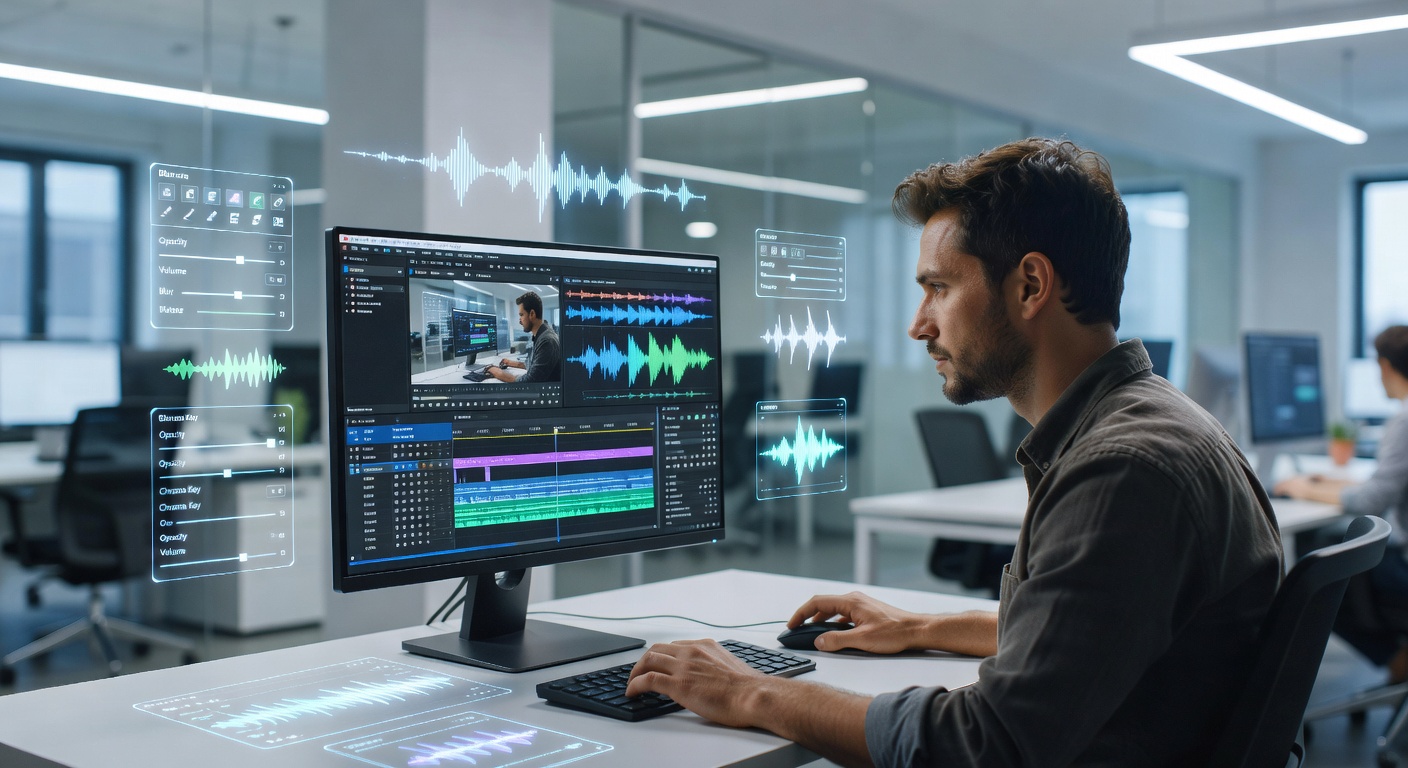
Professional scene breakdown starts with having the right tools and workflow in place. The goal is to reduce the friction between your scene concepts and their execution in the edit.
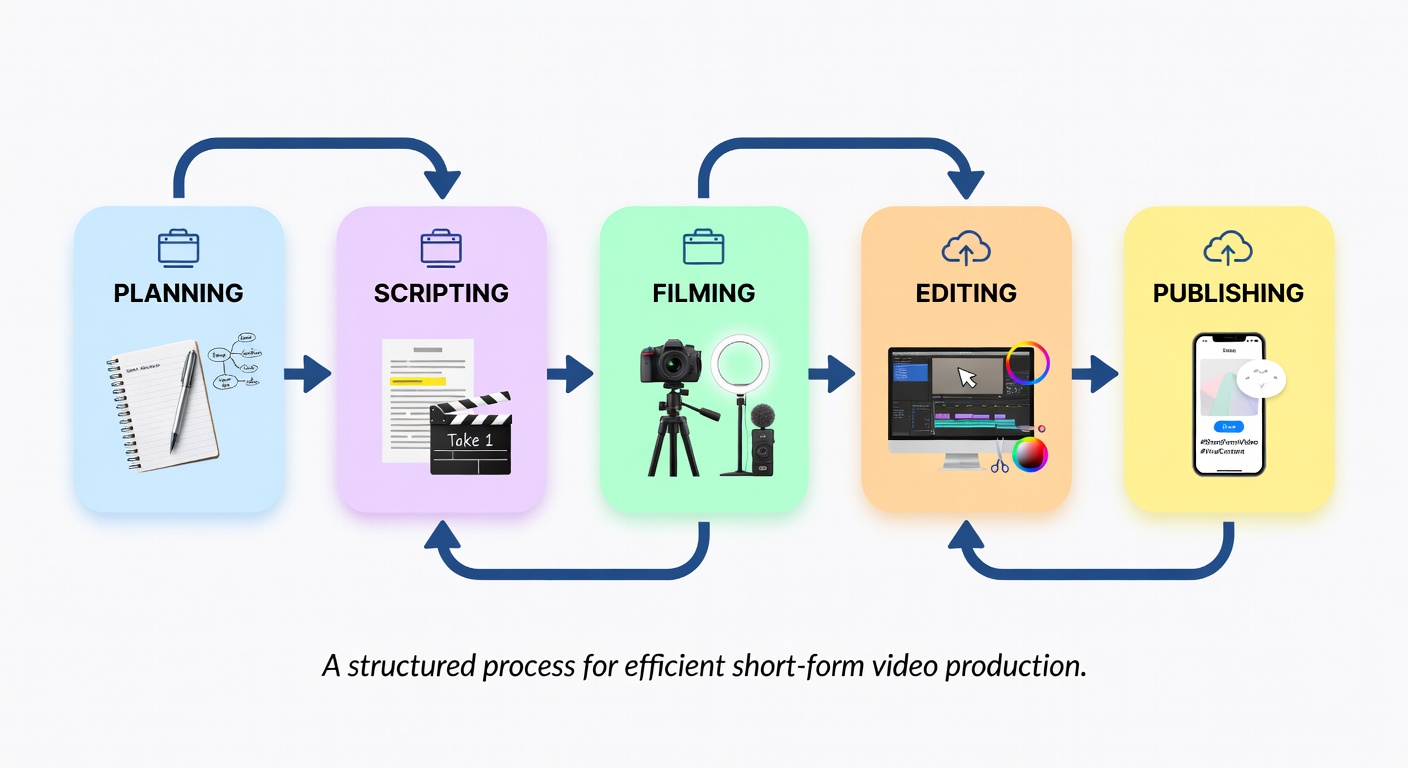
The most effective scene engineers use a pre-production storyboarding step to plan scene types and durations before filming, then validate against actual footage in post-production using retention analytics.
Plan scene types and sequence before you film. Saves costly reshoots.
Color-code clip types in your NLE for instant scene-type visibility.
Platform-native analytics show exactly where viewers leave each scene.
Automated alerts when any clip exceeds your target scene duration.
Scene Enhancement
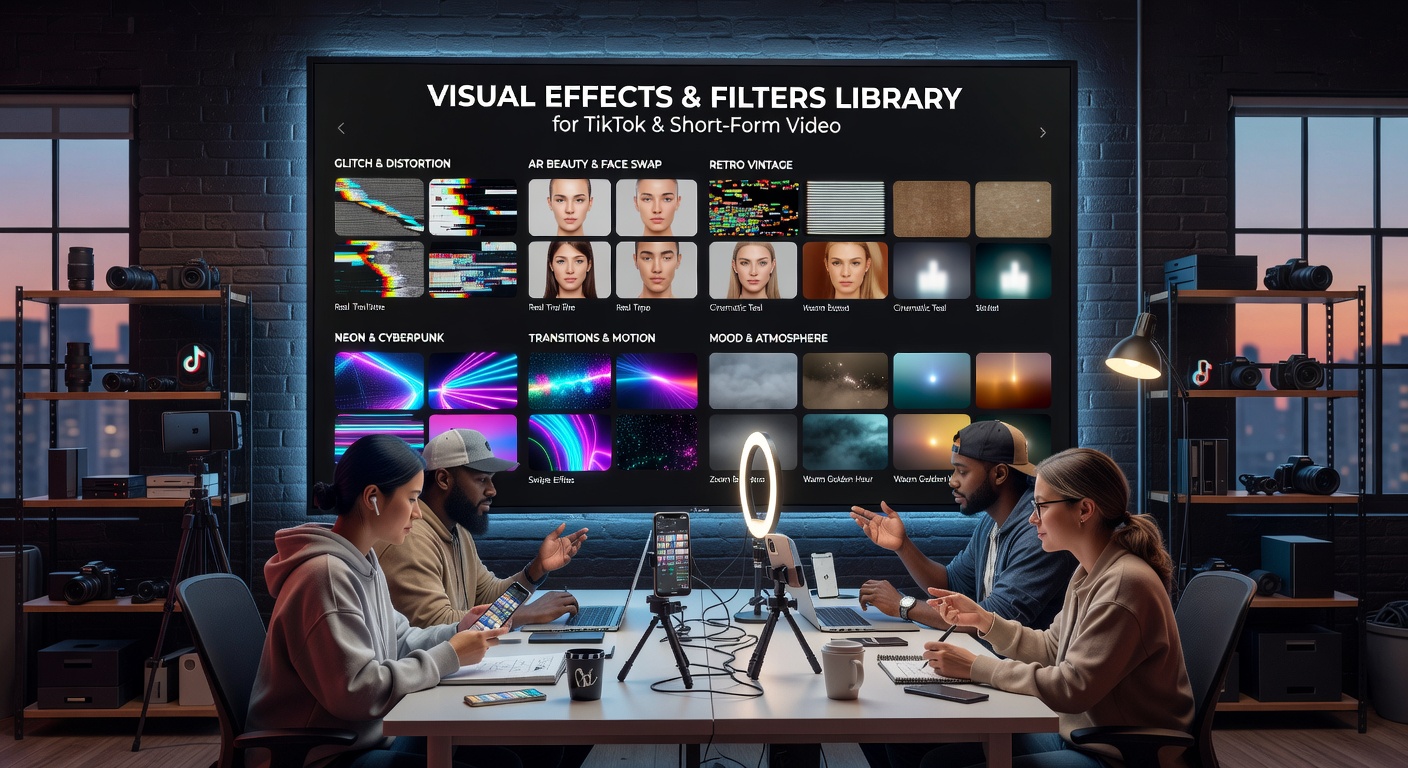
Visual effects, when used strategically, can transform a decent scene into a retention-locking one. The key is specificity — each effect should serve a clear psychological purpose rather than being decorative.
The most effective short-form effects are those that add information density (text on screen), emotional intensity (color grading and speed ramping), or structural clarity (transitions and wipes). Effects that distract or feel imported without context reduce trust and increase drop-off.
Pre-Publish Checklist
Run through this checklist before publishing every video. Check items off as you confirm them — progress saves automatically.
Scene breakdown sets the foundation. Editing patterns determine the rhythm. Learn how cut frequency, type, and timing turn well-filmed scenes into high-retention sequences.
Explore Editing Patterns →