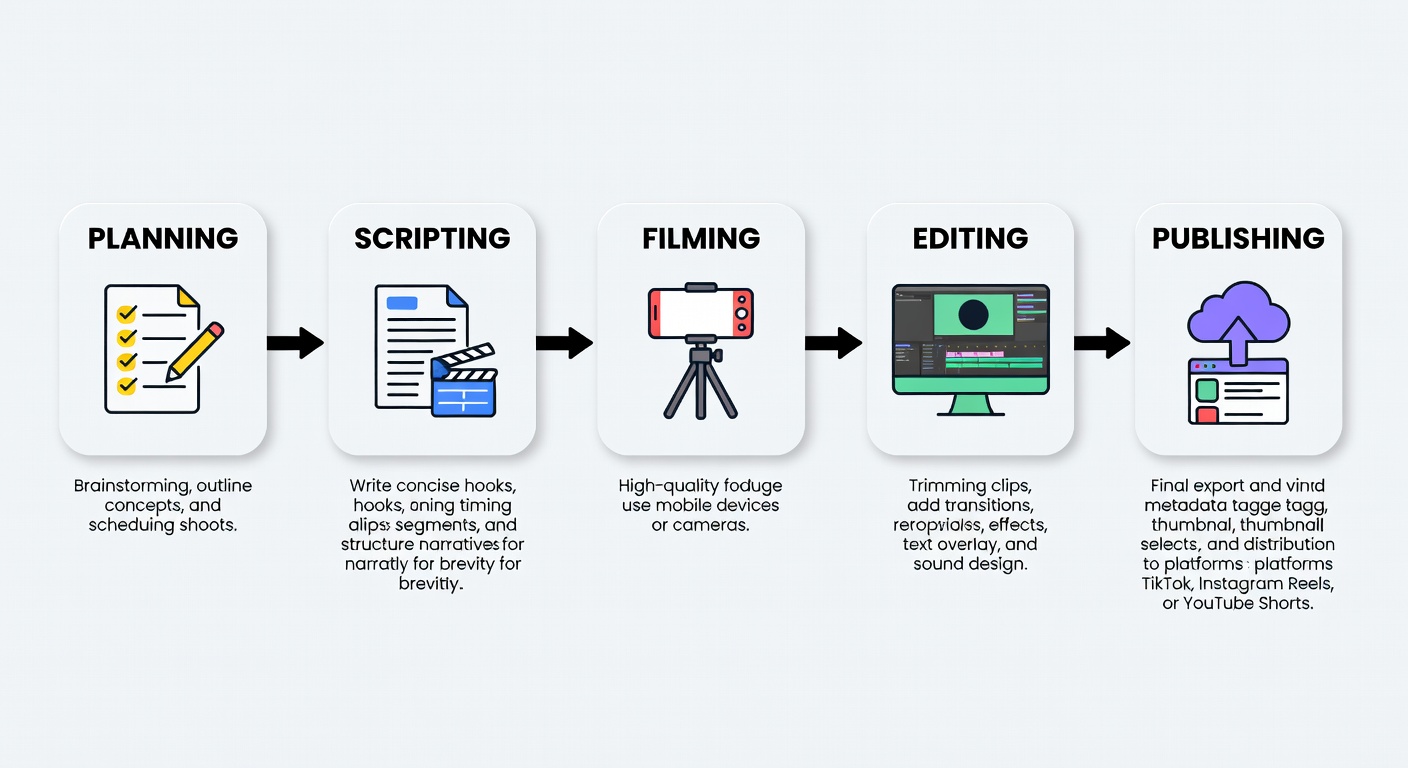
Editing is not post-production cleanup — it's the primary retention engineering tool. The timing of every cut, the type of every transition, and the rhythm of every sequence determines whether your viewer stays or scrolls.
The Core Principle
The single most impactful editing variable in short-form video is cut frequency — how often you introduce a new visual stimulus. Analysis of thousands of high-retention videos across all three major platforms reveals a clear optimum.
The optimal cut frequency for high engagement is 1 cut per 2–4 seconds during the core value phase. Below 2 seconds, viewers feel overwhelmed and disoriented. Above 4 seconds, attention begins to drift as the visual stimulus budget is exhausted.
This doesn't mean every cut must be identical in timing. The most effective editing uses variable rhythm — mixing fast burst sequences with slightly slower beats — to create a sense of dynamic pacing that feels intentional rather than mechanical.
Visual Reference
This timeline shows a 60-second video's cut structure. Each vertical marker is a cut point, color-coded by type. Click any cut type in the legend to highlight it.
Cut Taxonomy
Each cut type creates a distinct psychological effect. Understanding when and why to use each is the difference between random assembly and intentional editing.
An instantaneous, frame-accurate switch from one clip to another with no transition effect. The default cut type in all editing, it creates clean visual rhythm and is the primary tool for maintaining pace.
The audio from the incoming scene begins before the video cut occurs. Creates anticipation and smooth audio transitions. Named for the J-shape of the audio track overlapping the video cut in a timeline view.
The video from Scene A cuts to Scene B while the audio from Scene A continues playing. The L-cut keeps viewers emotionally anchored in the previous moment while visually advancing the narrative, creating a sense of continuity.
Cutting between two shots of the same subject from nearly the same angle but at different points in time, creating a deliberate, jarring skip. Originally a filming mistake, jump cuts are now a signature stylistic device in vlog and talking-head content.
An abrupt cut from one scene to one that is drastically different in tone, volume, or visual character. The extreme contrast creates a spike of attention — using the brain's natural response to sudden change to ensure the viewer notices the incoming scene. High impact when used sparingly.
Cutting between two scenes that share a similar visual element — shape, color, motion, or subject — creating a visual bridge that makes the cut feel seamless and satisfying. Match cuts demonstrate editorial sophistication and add a layer of visual poetry that elevates perceived production quality.
Edit Rhythm
Rhythm is what separates an edit that feels intentional from one that feels random. Click each pattern to expand the full guide.
Cuts every 1–2 seconds — for energy and music-driven content
The Fast Burst pattern uses cuts every 1–2 seconds to create an intense, energizing viewing experience that mirrors the pace of high-BPM music. This pattern creates the visceral sensation of speed and excitement that is strongly associated with trend-based content, fashion, fitness, and music videos.
When executed well, fast burst editing creates a subconscious feeling of forward momentum that makes viewers feel like they're being carried through the content rather than watching it. The key is maintaining visual logic between cuts — each frame should make sense immediately, with no cognitive effort required to orient within the scene.

Keep audio sync with cut points. Use consistent visual style within the burst. Always cut on beat. Avoid talking-head shots in this pattern.
Cuts every 3–4 seconds — for tutorials and instructional content
The Steady Pulse is the workhorse rhythm pattern for educational, tutorial, and how-to content. It provides enough visual variety to maintain attention while allowing sufficient time per scene for viewers to absorb and process information before the next scene arrives.
The 3–4 second window is precisely calibrated to match the brain's average working memory refreshment cycle. Information presented within this window is more likely to be retained than information presented outside of it. Pair with text overlays at cut points to reinforce key data points.
Deliberately inconsistent cuts — for narrative and storytelling
Variable rhythm mimics the natural pacing of human conversation and storytelling — fast when excited, slow when reflective. By deliberately alternating between fast cuts (1–2s) and slower scenes (5–8s), this pattern creates an emotional arc within the editing itself, independent of the content.
The contrast between fast and slow moments is what creates the emotional texture. A sudden slow-down after a fast sequence signals importance to the viewer's subconscious — it's the editing equivalent of lowering your voice for emphasis. Use slow scenes for key emotional moments and fast cuts to build energy toward those moments.
Extended scenes (5–8s) — for emotional and meditative content
The Slow Breathe pattern defies the conventional short-form wisdom of "cut faster." For specific content categories — mindfulness, emotional storytelling, aesthetic travel, and high-end lifestyle content — slower editing pace actually increases retention by creating a meditative, immersive experience.
This pattern works because it signals premium production value and emotional depth. Viewers who opt into slow-paced content are typically in a different mode of engagement — they're savoring rather than consuming. The slow breathe pattern reinforces this mode and creates strong brand association with quality.
Audio Engineering
Audio is 50% of the viewing experience in short-form video. Yet most creators treat it as an afterthought. The most sophisticated retention engineers use audio as actively as video — syncing cuts to beats, using sound design to create micro-engagement moments, and designing the audio layer to carry information for silent viewers.
Place hard cuts on beat drops or strong rhythmic accents. The audio-visual alignment creates a satisfying synchronization response in viewers.
Design the volume curve of your video intentionally — build toward key moments, dip during information-dense sections, peak at emotional highs.
Add distinct sound effects at pattern interrupt moments — a whoosh, impact, or pop creates a multi-sensory attention spike that visual cuts alone cannot replicate.
Professional Workflow
Professional short-form editors follow a systematic workflow that separates the structural editing decisions from the fine-tuning phase. This prevents getting lost in details before the overall rhythm is established.
The workflow begins with a rough assembly — placing all clips in sequence without cuts. Then a first pass focuses exclusively on cut placement and rhythm. Only on the third pass does fine-tuning (color, audio mixing, text overlays) occur. This sequence prevents the common mistake of perfecting details before the structure is validated.
Transition Library
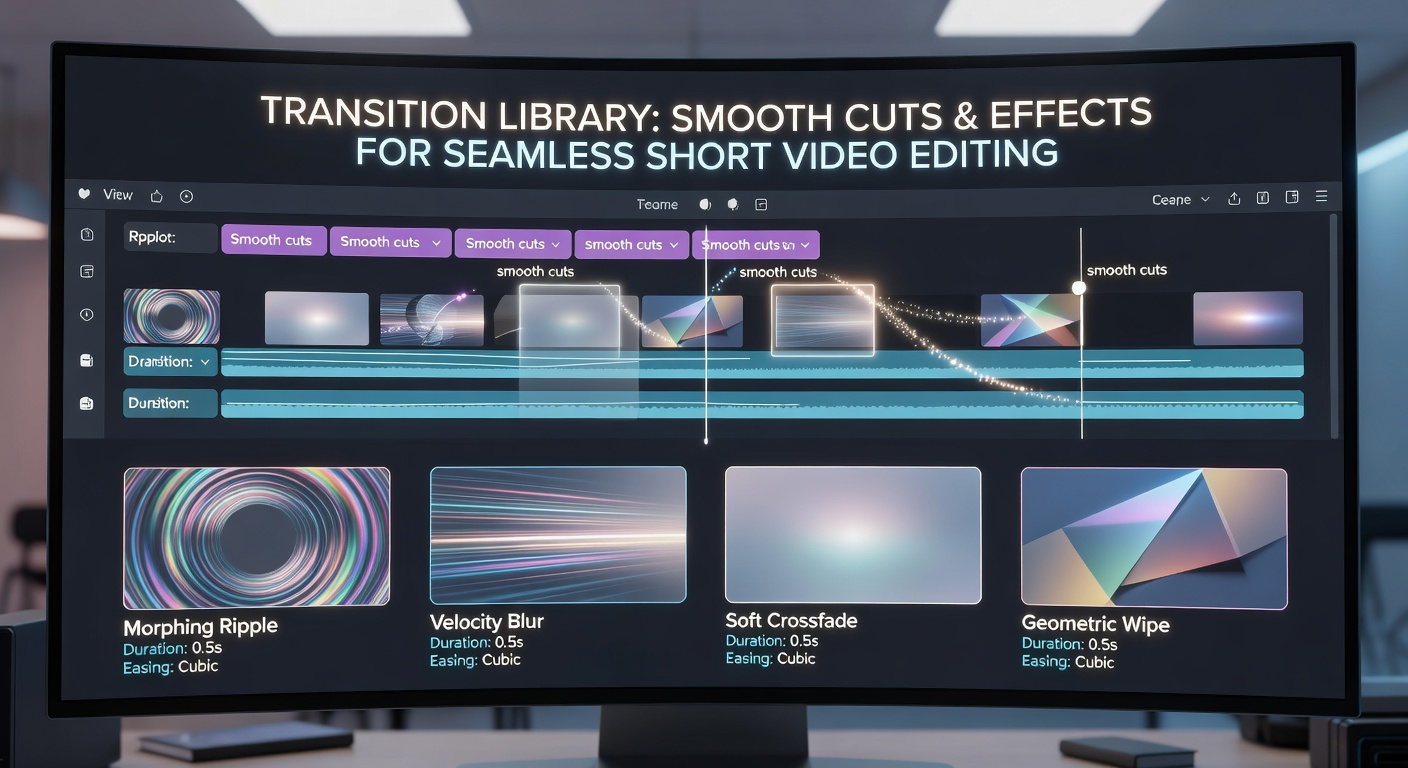
Transitions are the connective tissue between scenes. While the hard cut should be your default, strategic use of creative transitions at key structural moments — the pattern interrupt, the phase change, the CTA reveal — adds a layer of visual craft that signals production quality and sustains viewer interest.
The shortformen Transition Library organizes every common short-form transition by purpose, platform compatibility, and retention impact score — so you can instantly find the right tool for any editing moment without relying on instinct or trial and error.
Pre-Publish Validation
Validate your edit against these criteria before publishing. Each completed item increases your retention probability.
You've learned how to engineer the edit. Now learn the seven advanced retention techniques that act as insurance against drop-off at every critical timestamp in your video.
Explore Retention Techniques →