Most creators drop their call-to-action at the end of a video — when viewer attention is at its absolute lowest. Learn the science of CTA timing that drives real results across TikTok, Reels, and Shorts.
The Core Problem
Platform data consistently shows that viewer drop-off is steepest at the final 10% of any short-form video. Placing your CTA there means you're speaking to a ghost audience.
Viewers are most mentally engaged between the 15–45 second mark — not at the end. This is your conversion window.
Algorithm-trained users swipe before the video ends. If your CTA isn't shown by second 50, most viewers never see it.
A "follow me" CTA placed during high-tension content is ignored. CTA type must match emotional state of the moment.
Asking viewers to follow, comment, share, and visit your link in the same video creates paralysis — zero action taken.
CTA Timing Science
Click on each CTA marker to learn the optimal technique for each placement window in a 60-second video.
Low commitment, conversational. Perfect after your hook lands.
You've delivered value — now invite participation while attention peaks.
For loyal viewers who made it this far. Direct, specific, single action.
CTA Type System
Each CTA type serves a different psychological trigger. Match the type to your content moment for maximum conversion.
Spoken call-to-action delivered directly to camera. The most natural and least disruptive form of CTA in short-form content.
On-screen text that reinforces or replaces the verbal CTA. Critical for muted viewers — over 60% of short-form content is consumed without sound.
Physical gesture, pointer graphic, or animated arrow that directs viewer attention toward an action. No words required.
Deliberately withhold the conclusion or next step to drive follow action. The psychological principle of open loops compels viewers to return.
Invite participation through comments, duets, or stitches. Comment-prompting CTAs dramatically boost algorithmic distribution on all platforms.
Copy Engineering
Fill in the brackets with your content specifics. The structural pattern does the heavy lifting.
Platform Intelligence
Each platform has different viewer behavior, UI affordances, and algorithmic signals. Your CTA strategy must adapt accordingly.
TikTok's algorithm heavily weights comment velocity. A comment CTA at 30s is your highest-leverage move on this platform.
Verbal "link in bio" is essential. Use text overlay to reinforce — TikTok users are trained to check bios after a link prompt.
"Duet this with your version" is a powerful distribution CTA unique to TikTok. Use it when content is participatory.
TikTok watch-time data shows the 28–35s range is when algorithm signals are strongest. Place your primary CTA here.
Instagram's algorithm weights saves heavily. "Save this for later" CTAs drive more distribution than follow asks on Reels.
"See the full version in my stories" creates cross-content traffic and increases overall account session time — a key IG signal.
Friend-tagging prompts create organic reach amplification. Best used when content solves a relatable problem.
Reels average watch time is shorter than TikTok. Front-load your CTA slightly — the 20–30s zone has highest completion probability.
YouTube Shorts shows a subscribe button while watching. Verbal subscribe CTAs work synergistically with this native element.
YouTube's algorithm directly maps likes to recommended video distribution. A specific "if this helped, hit like" CTA is highly effective.
Unlike TikTok, YouTube allows clickable links in descriptions. "Full video linked below" is a legitimate traffic driver for Shorts.
Shorts viewers who make it past 40 seconds are highly engaged. This audience is most likely to subscribe — save your strongest ask for here.
CTA Workflow
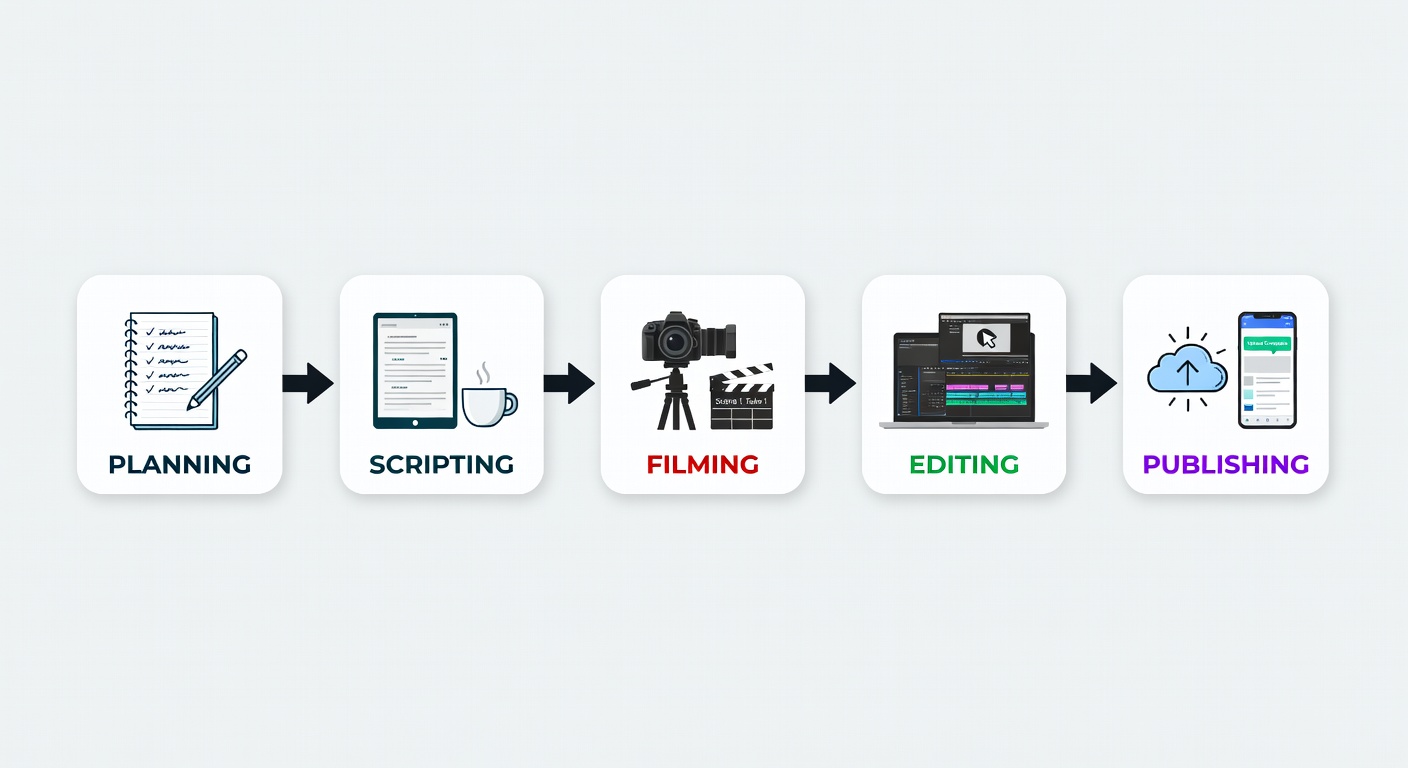
Your CTA doesn't happen in post-production — it's scripted, performed, and edited as an intentional unit. Here's the engineering workflow.
Write your CTA before writing the body content. Work backwards — knowing your desired action shapes the hook.
Map your energy curve — high energy moments mask CTAs, calm moments amplify them.
Deliver 3 versions of your CTA — soft, neutral, and direct. Choose in edit based on surrounding energy.
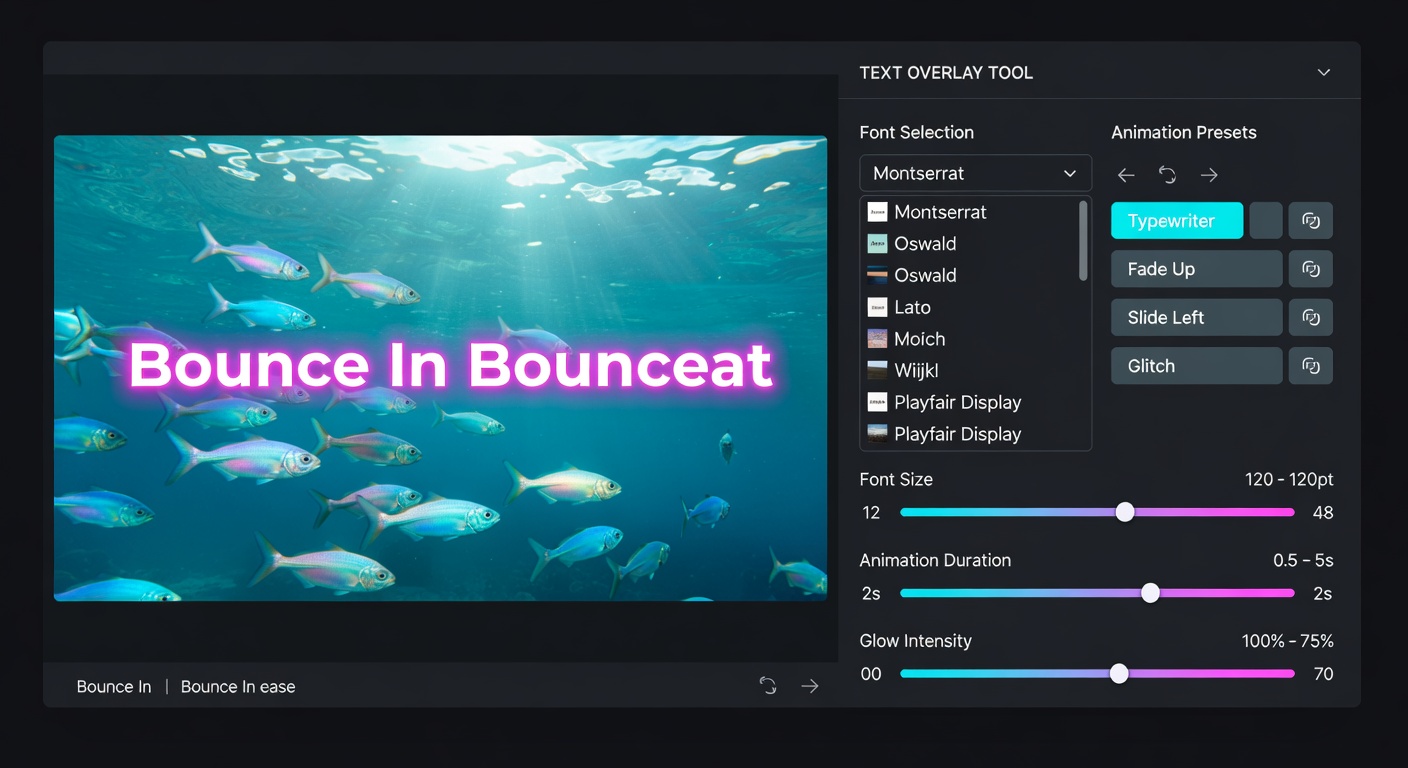
Add text reinforcement 0.5 seconds after verbal delivery for maximum retention of the CTA message.
Use platform analytics to track follow events, comment rates, and link clicks — adjust timing accordingly.

Post-Production
The edit is where your CTA strategy becomes reality. Use these techniques to make your CTA feel natural, not bolted on.
Cut to CTA on a breath mark — never in the middle of a sentence. Continuity of natural speech makes the CTA feel organic.
Add a micro-zoom push during CTA delivery to signal importance without stopping the content flow.
Layer animated text 0.5s after spoken CTA — this creates a double-impression that dramatically increases action rate.
Music ducking during CTA — drop background music 2–3dB when the CTA starts to make the spoken ask more audible and focused.
Use an L-cut into the CTA — let the audio of your CTA start slightly before the visual cut for a seamless, cinematic feel.
Testing Framework
Data from 200 A/B tests across TikTok, Reels, and Shorts accounts. Use this as a reference to design your own tests.
| CTA Variation | Placement Time | Avg Follow Rate | Comment Rate | Watch Completion | Winner |
|---|---|---|---|---|---|
| End-of-video "Follow me" | 55–60s | 0.8% | 1.2% | 34% | — |
| Mid-video verbal CTA | 28–32s | 3.1% | 4.7% | 71% | Winner |
| Comment prompt (A vs B) | 30–40s | 1.4% | 9.2% | 68% | Engagement |
| Curiosity / Part 2 tease | 35–45s | 4.8% | 3.1% | 77% | Follow Rate |
| Text overlay only (no verbal) | 20–30s | 1.9% | 2.3% | 65% | — |
| Verbal + Text overlay (stacked) | 25–35s | 5.2% | 5.8% | 73% | Overall Best |
| Save CTA (Instagram-specific) | 40–50s | 2.1% | 3.4% | 81% | Completion |
Pre-Publish
Run through this checklist before publishing every video. Check each item as you complete it.
Check off items as you complete your CTA review
Explore our Retention Techniques guide or dive into the Blog for deeper analysis of what makes short-form content perform.